Delete transactions
Remove one or more transactions from your books, learn what happens to bank transactions, and fix what blocks a delete.
You can remove one transaction or many transactions from your books, for example a duplicate or a transaction that does not belong to the business. You cannot undo a delete.
What a delete does
When you delete a transaction, it leaves your books. Your reports and account balances change to match.
What else happens depends on where the transaction came from:
- A transaction from your bank feed, a bank file import, or Stripe: LazyBooks keeps a note that you removed it. When your bank syncs again, LazyBooks does not add the transaction back.
- Any other transaction, such as a manual entry or a transaction from a QuickBooks import: LazyBooks deletes it. Some of these transactions cannot be deleted. See When you cannot delete a transaction.
LazyBooks also deletes the receipts and other files of the transaction. If the transaction is a loan payment with recorded interest, LazyBooks deletes the interest too.
To add a manual entry again, enter it again. See Add and edit transactions. If you import a bank file later, LazyBooks marks each row that matches a transaction that you removed. You then choose whether to import that row. See Import bank transactions.
Delete transactions from the list
- In the sidebar, click Transactions.
- Select the checkbox of each transaction that you want to delete.
- In the bar at the bottom of the page, click Actions, or press A. The Actions dialog opens.
- Click Delete 2 transactions. The number is the count of the selected transactions. For one transaction, the action is Delete transaction.
- In the box, type
remove from my books. - Click Delete transaction or Delete transactions.
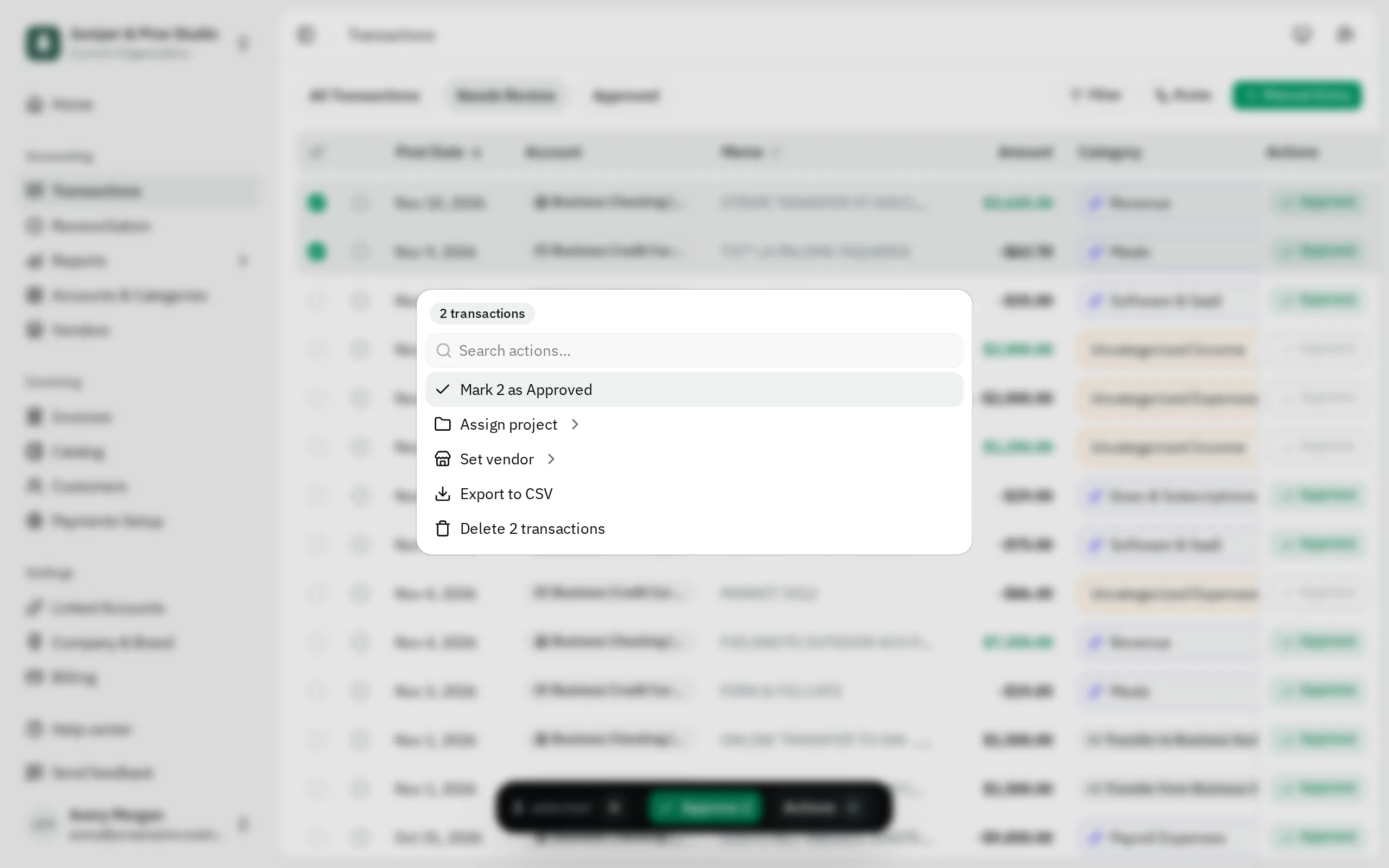
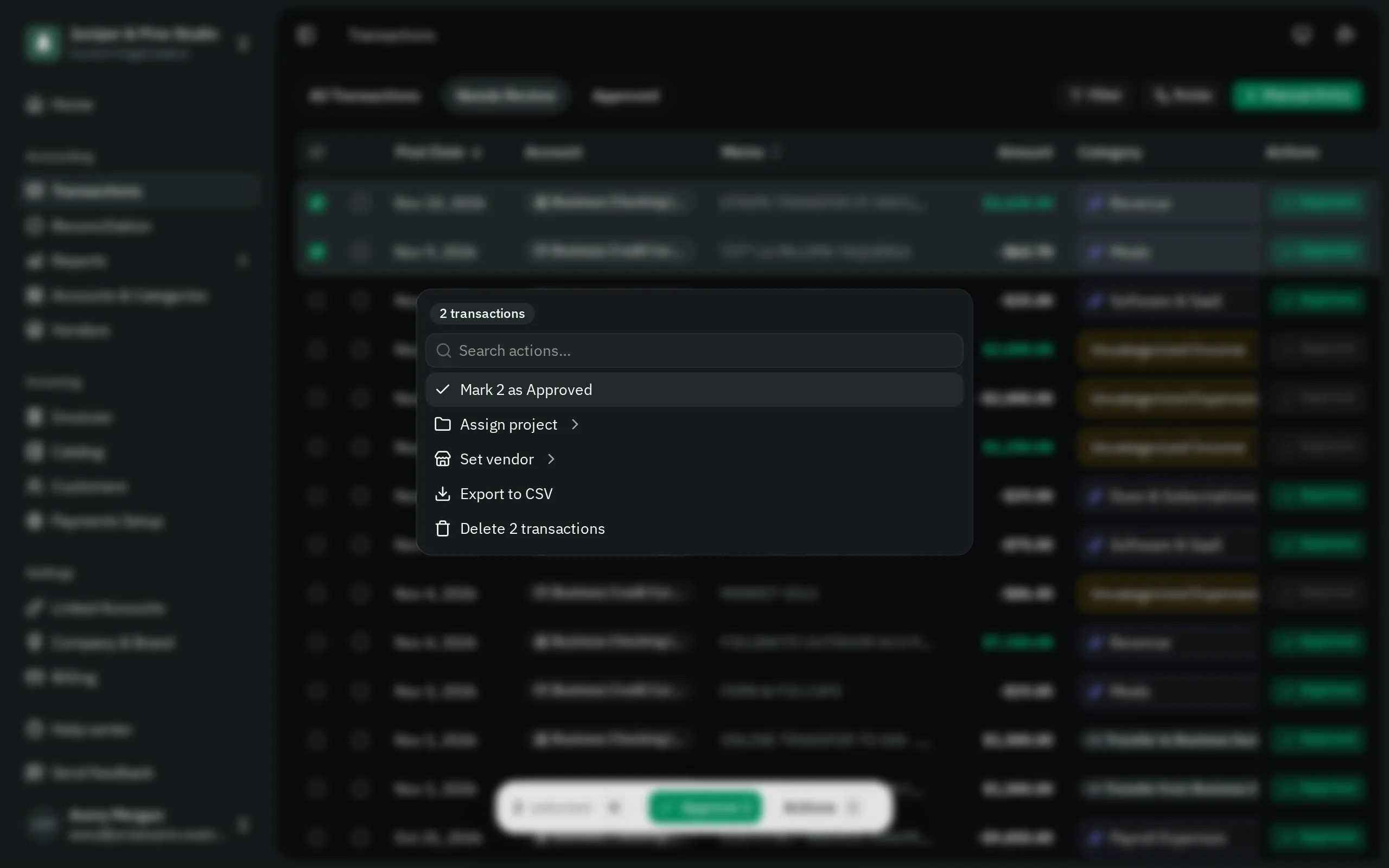
LazyBooks deletes all the selected transactions or none of them. If LazyBooks cannot delete one of the selected transactions, the delete action is dimmed, and the Actions dialog shows the reason under it.
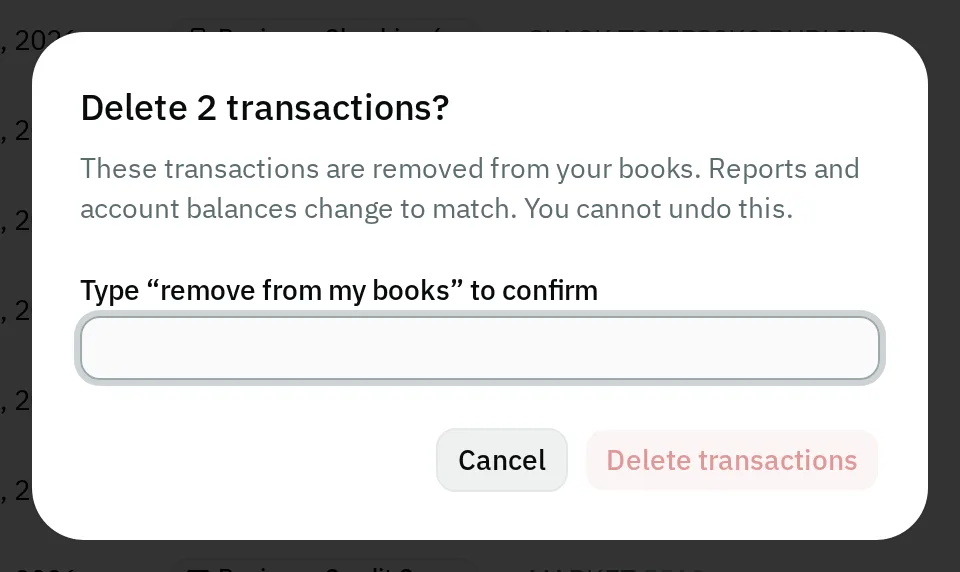
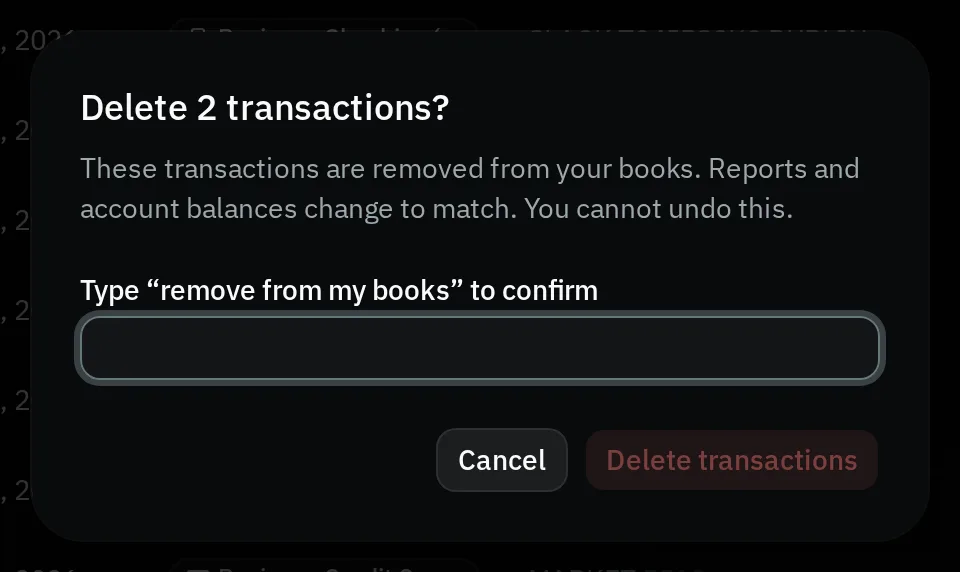
If the selection has an invoice payment from Stripe, the dialog shows a warning. The delete lowers your Stripe Balance and your revenue in your books, but the invoice still shows as paid.
Delete one transaction from its details
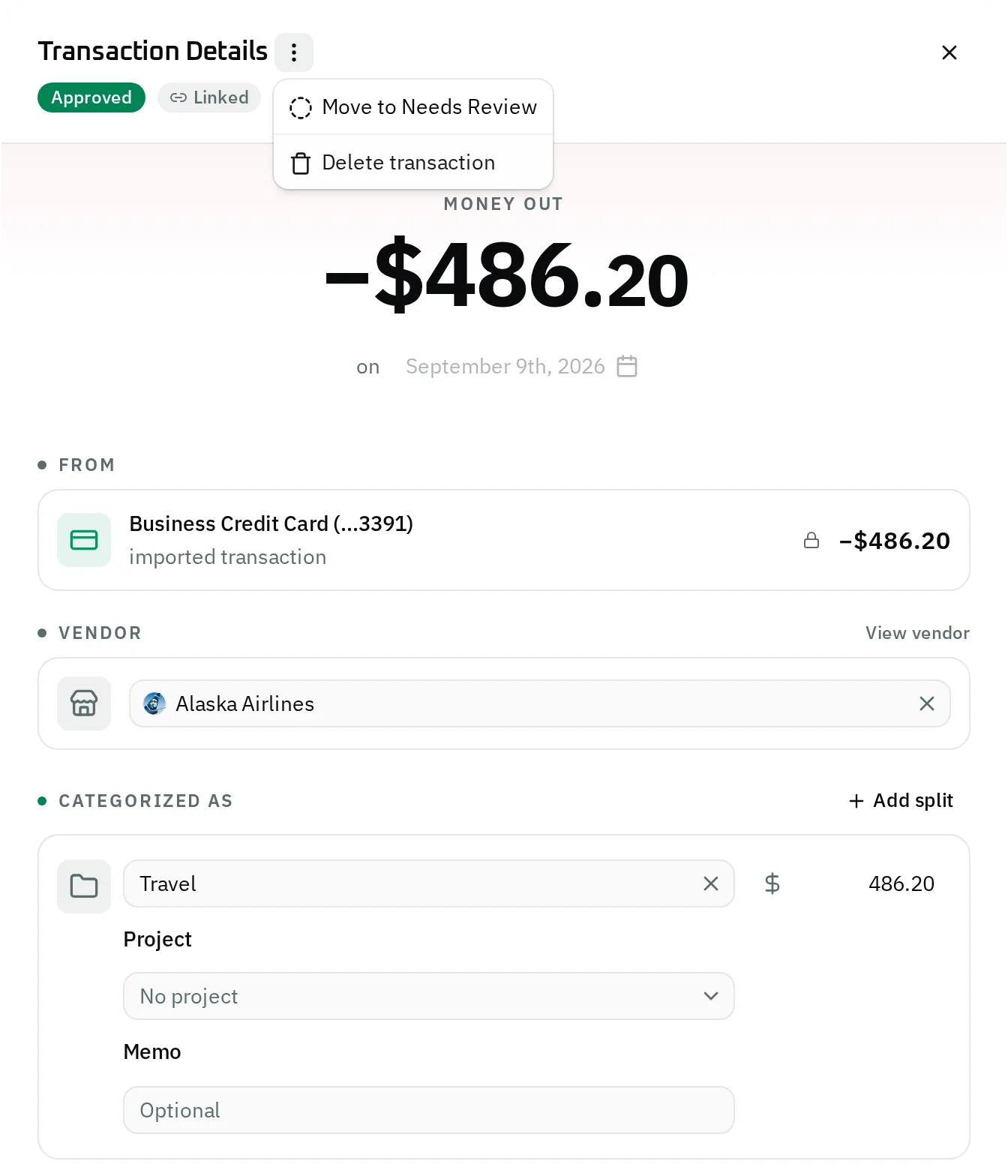
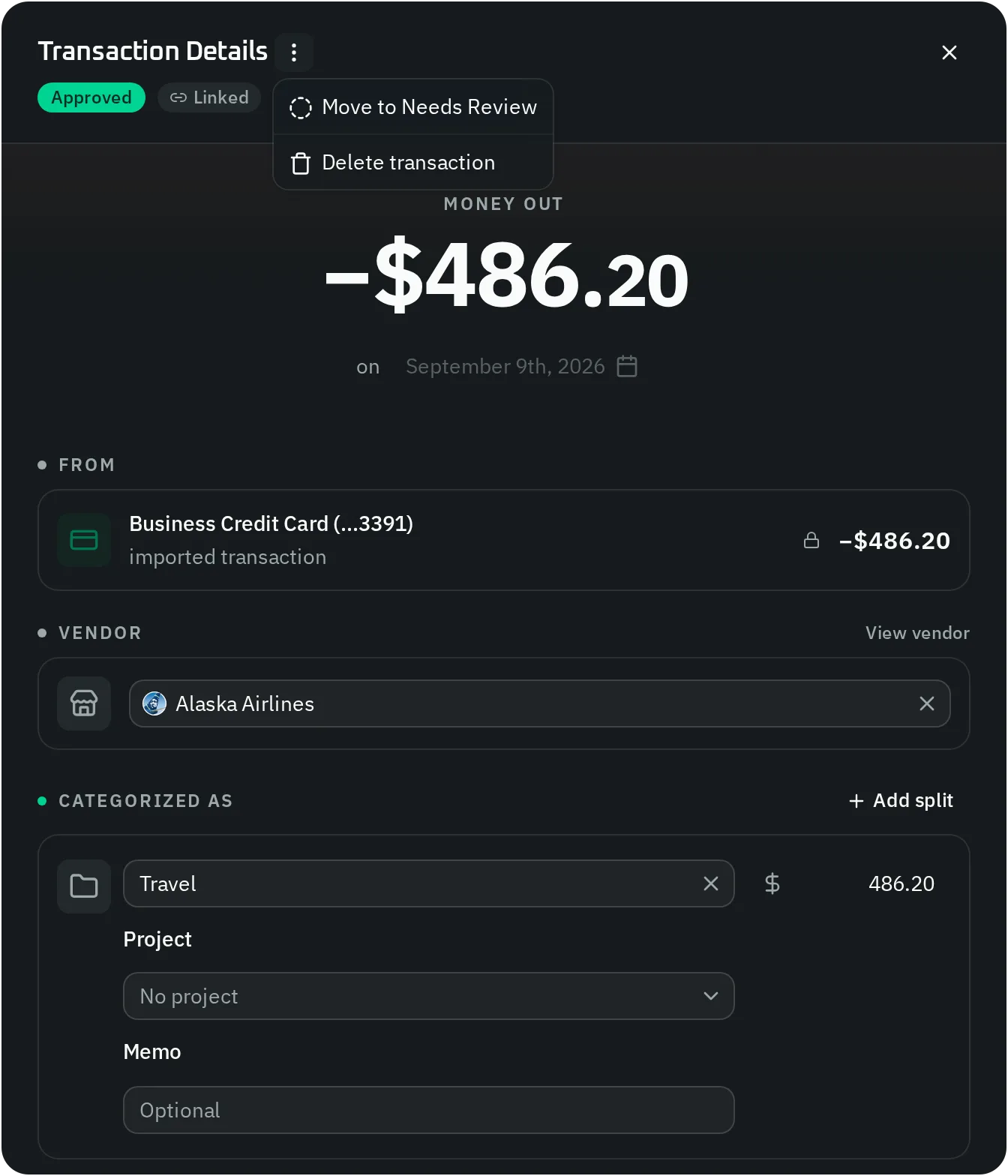
- Click the transaction to open Transaction Details.
- Next to the title Transaction Details, click the actions button with three dots.
- Click Delete transaction.
- In the box, type
remove from my books. - Click Delete transaction.
Ask the assistant to delete transactions
You can ask the assistant to delete transactions. The assistant shows a card that lists the transactions. Nothing changes until you click Approve, also when the assistant makes changes automatically. If one of the transactions is an invoice payment from Stripe, the card shows the same warning as the dialog. The same rules apply as on the Transactions page. See Ask the assistant.
When you cannot delete a transaction
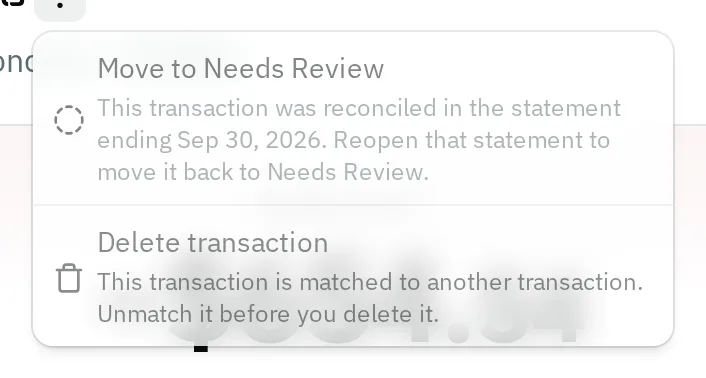
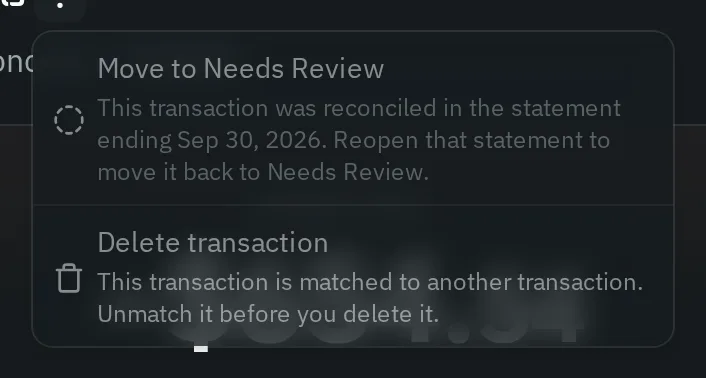
If LazyBooks cannot delete a transaction, Delete transaction is off, and the menu shows the reason under it. These are the reasons:
- The transaction is matched to another transaction as a transfer. Unmatch it first. See Transfers and matching.
- A finished reconciliation includes the transaction. Reopen that statement first. See Reconcile an account.
- The transaction is on an account that your bank feed or Stripe fills, but no bank transaction is behind it. These transactions stay in your books. Examples are the opening balance of a linked account and a QuickBooks transaction on a linked account. The entries that LazyBooks records for a linked loan are examples too.
An adjustment from the Adjustment tab of Manual Entry is the exception to the last reason. You can delete an adjustment on any account.
There is one more reason. LazyBooks records an invoice in your books when you send it. You cannot delete a transaction that paid such an invoice. To give the money back, refund the payment from the invoice. See Refund a payment.