Split a loan payment into principal and interest
Record the interest part of a payment to a loan that you linked to LazyBooks, and change or remove it later.
When you pay a loan, part of the payment is interest and the rest is principal, the part that lowers what you owe. Your lender sends the whole payment to LazyBooks. You record the interest part, and LazyBooks records it as an expense.
Before you start
To record interest on a payment, these things must be true:
- You linked the loan account to LazyBooks. See Connect a bank.
- LazyBooks finished the calculation of the opening balance of the loan. You do not have to verify the opening balance first. See Verify opening balances.
- No finished reconciliation includes the payment.
Find the loan payment
A loan payment from your checking account shows as two transactions: money out of checking and the payment on the loan account. LazyBooks can match the two as one transfer. See Transfers and matching.
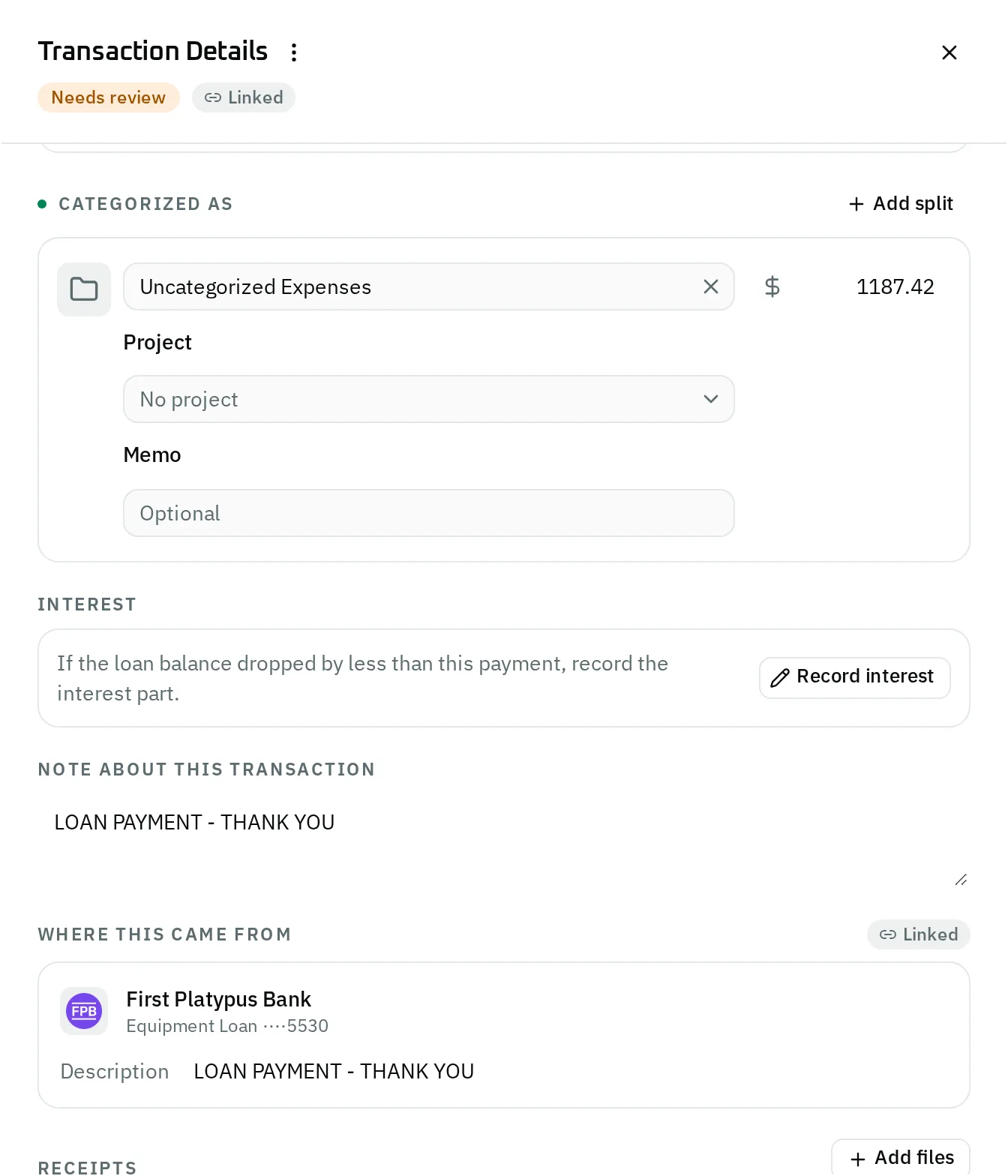
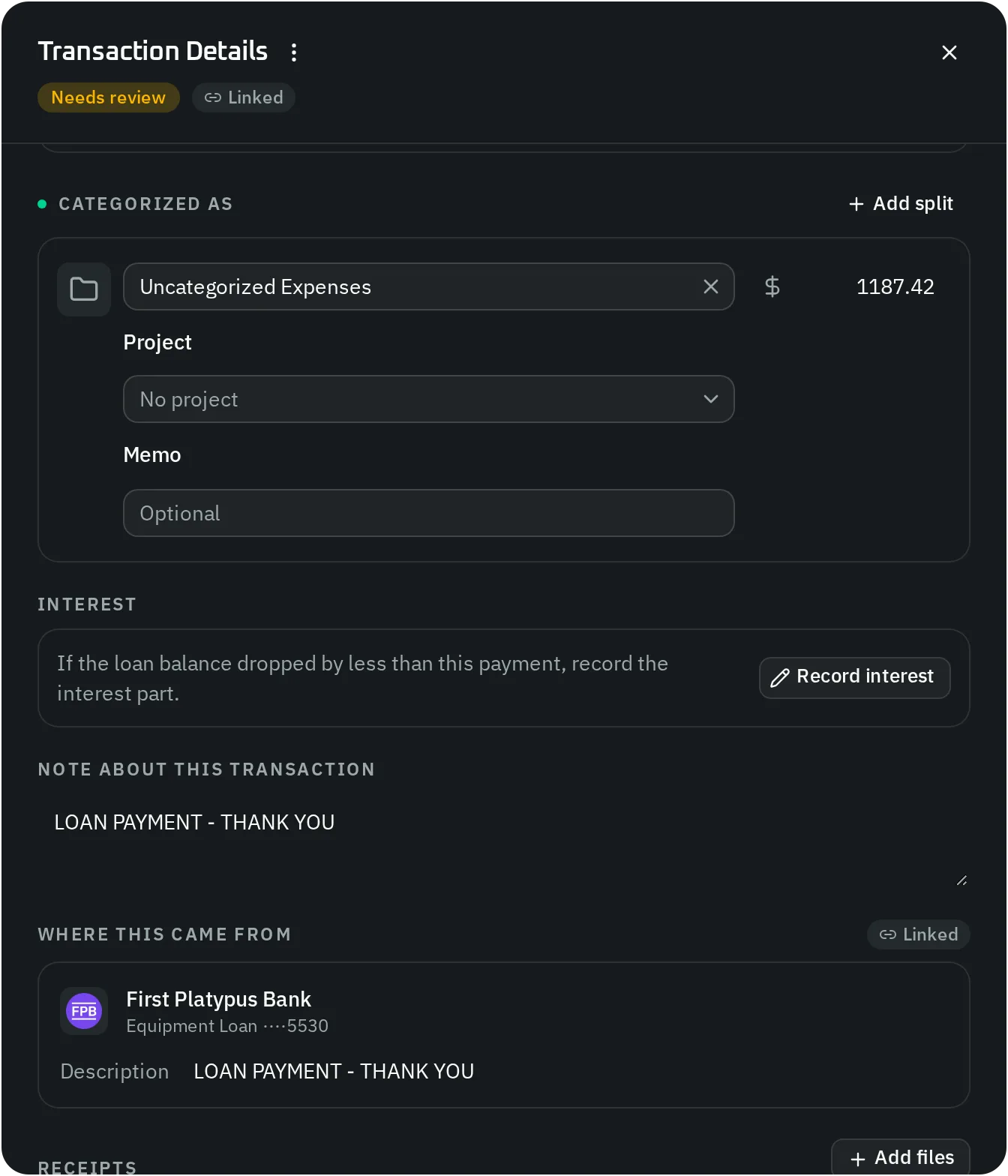
Record the interest on the transaction on the loan account. On the loan account, the payment shows as Money in, because it lowers what you owe. The transaction on your checking account has no Interest section.
Record the interest
- In the sidebar, click Transactions.
- Click the payment on the loan account to open Transaction Details.
- In the Interest section, click Record interest.
- In Interest, enter the interest part of the payment. Your loan statement shows this amount. The interest cannot be more than the payment.
- In Expense account, choose the expense account for the interest.
- Click Save interest.
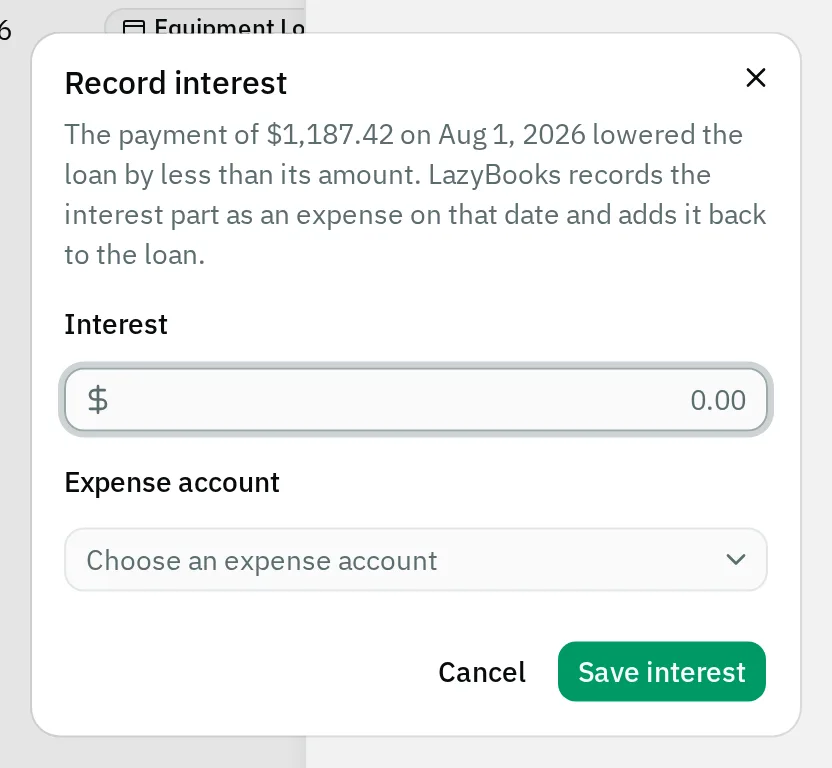
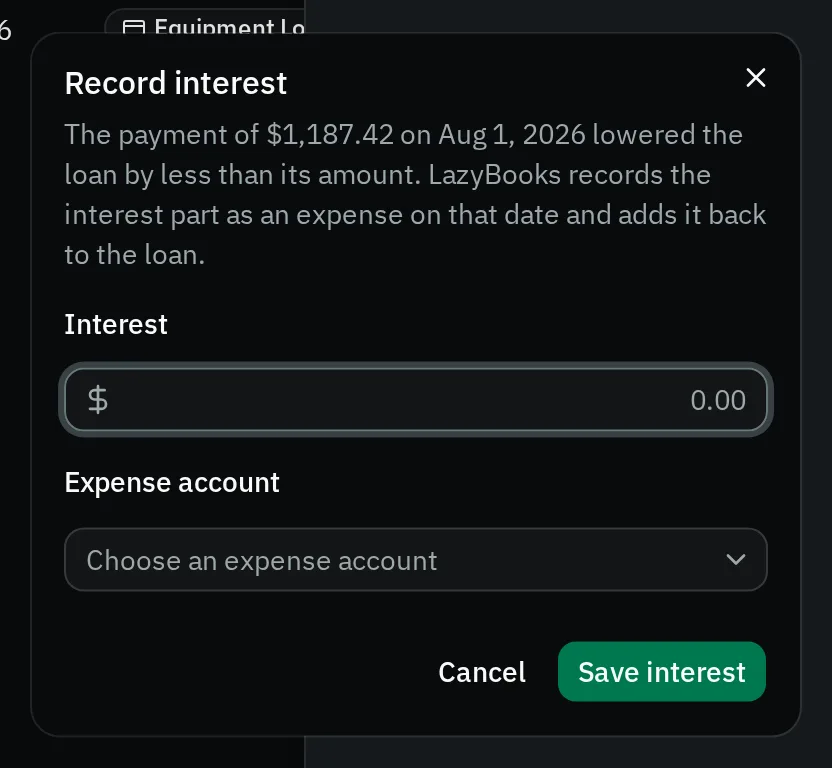
LazyBooks sometimes fills in a suggested amount. The suggestion is the difference between the loan balance at your bank and the loan balance in your books. This difference can also include interest from other payments, or charges that did not sync yet. Compare the suggestion with your loan statement before you save.
The Expense account starts with the account that you used the last time for this loan.
What LazyBooks records
LazyBooks records the interest as its own transaction on the date of the payment. The interest goes to the expense account, and LazyBooks adds it back to the loan. The loan balance then goes down by the principal only.
The interest transaction shows in your transaction list with a memo such as "Interest on loan payment of" and the payment date. It has the same status as its payment. If the payment needs review, the interest also waits on the Needs Review tab. When you approve the payment or move it back to Needs Review, the interest moves with it. You cannot approve the interest transaction by itself, or move it back to Needs Review by itself.
You cannot edit the interest transaction itself. To change it, open the payment.
Change or remove the interest
After you record the interest, the Interest section shows the interest amount of the payment.
- Open the payment on the loan account.
- In the Interest section, click Change.
- Do one of these steps:
- To change the interest, enter the new amount or choose another expense account. Then click Save interest.
- To remove the interest, click Remove interest. Then click Yes, remove to confirm.
When you delete the payment, LazyBooks deletes its interest too. When you unmatch the payment, LazyBooks removes its interest, unless a finished reconciliation includes the interest.
When you cannot change the interest
If you cannot change the interest, the Interest section shows the reason in place of the button:
- A finished reconciliation includes the payment. Reopen that statement to change the interest. See Reconcile an account.
- LazyBooks still calculates the opening balance of the loan. Try again when the opening balance is ready.
Interest that a reconciliation finds
When you reconcile a linked loan, the statement can show more owed than your books. Then the reconciliation page shows Is interest missing? Choose the payment that holds the interest, and click Record interest. The amount starts with the interest that the payment already has, plus the difference. Make sure that the amount is correct, and click Save interest. See Reconcile an account.