File and track sales tax returns
See when each sales tax return and prepayment is due, and get a reminder on the Home page.
LazyBooks lists the returns and the prepayments of each sales tax agency with their due dates. It reminds you before they are due. LazyBooks does not file a return and does not pay an agency for you.
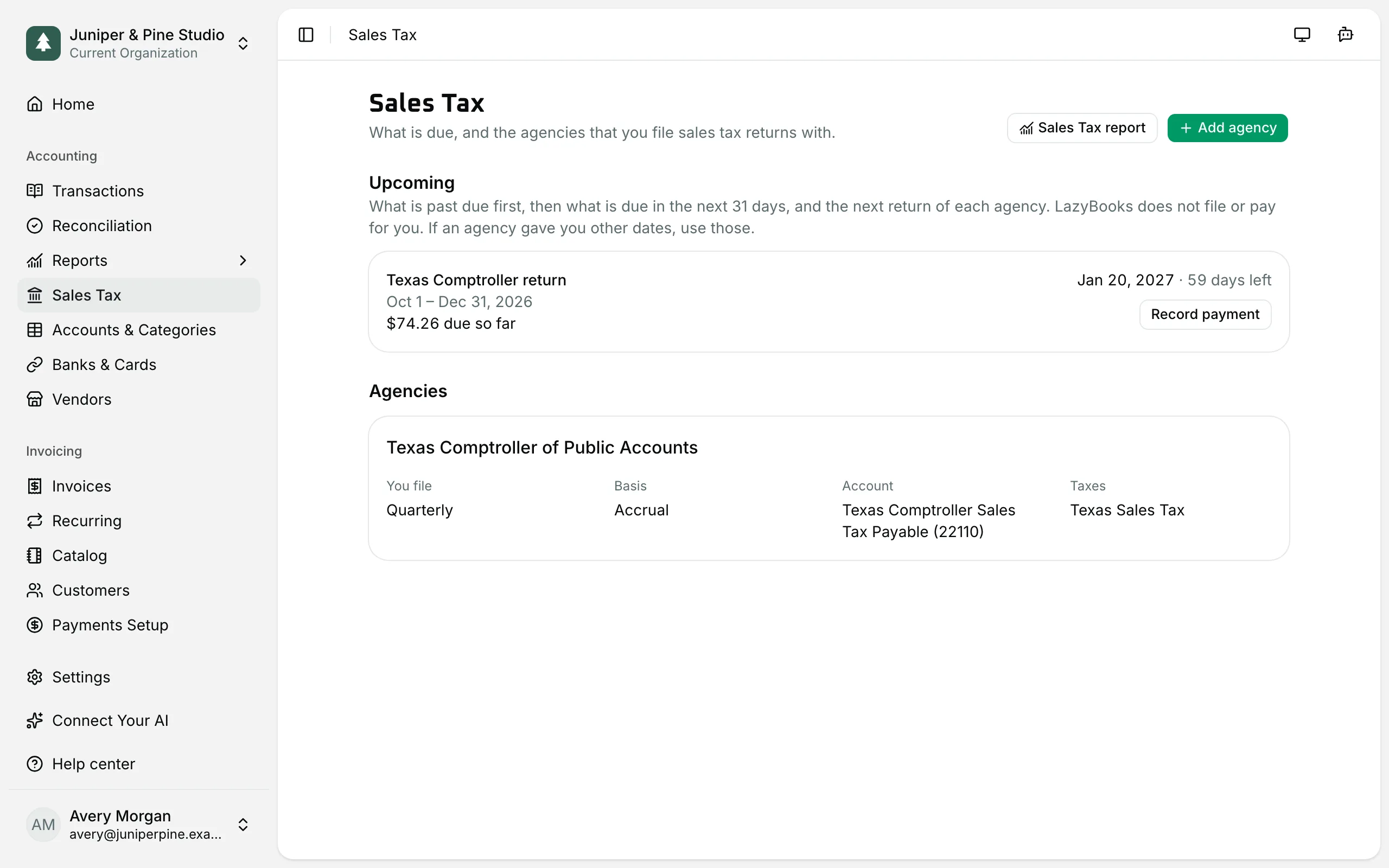
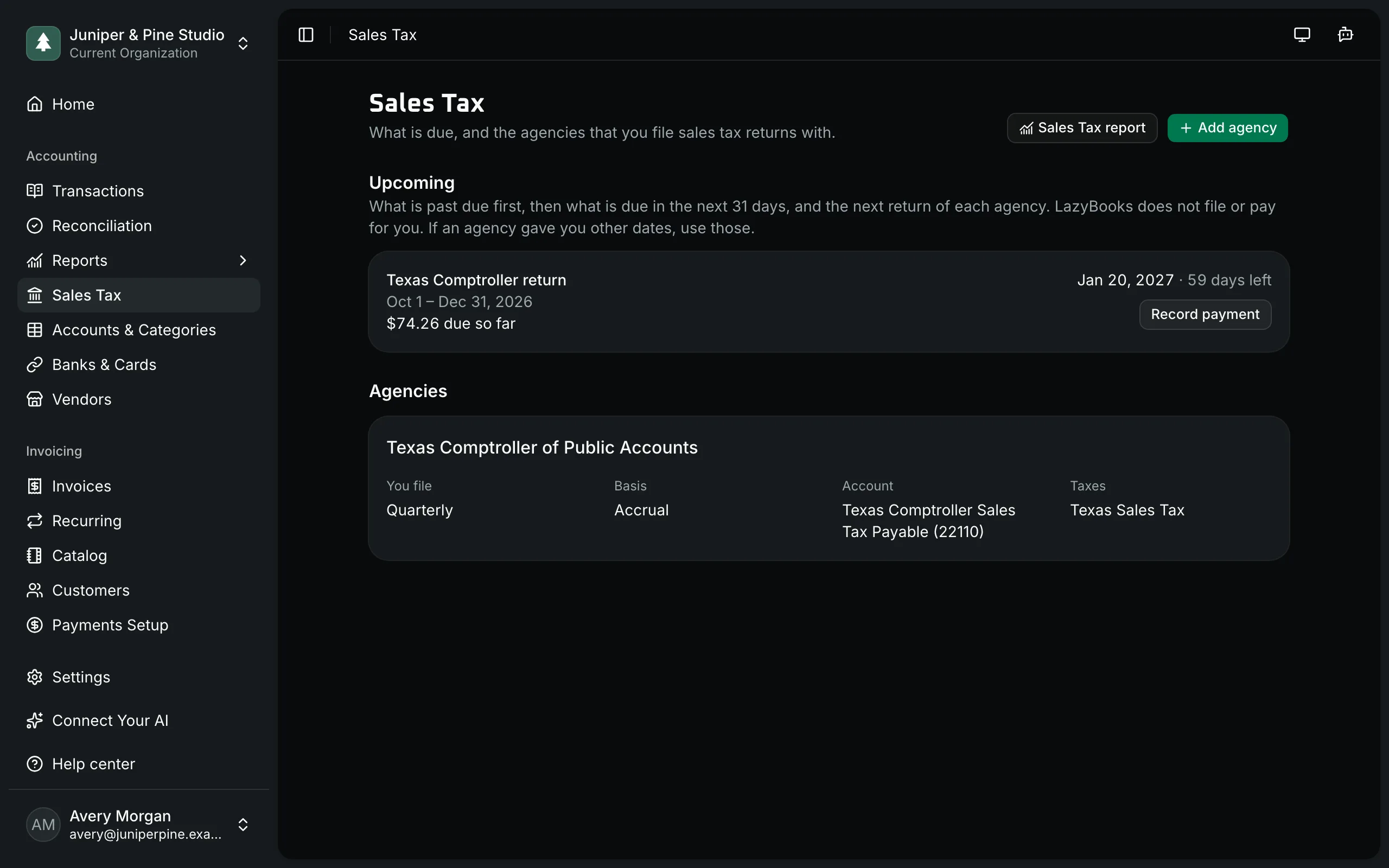
See what is due
Add your agencies first. See Set up sales tax agencies. Then, in the sidebar, under Accounting, click Sales Tax.
Upcoming lists what is past due first. An agency with several past-due returns has one row with their number and the oldest one. After that, the list shows what is due in the next 31 days, and the next return of each agency. Each return shows how much is due for it. Click a row title to open the page of the agency. To record what you paid, click Record payment or Record prepayment. See Record a sales tax payment.
On the page of the agency, Returns lists each period, the newest first. Each period shows its prepayments, the days that each prepayment is for, and its return. The list shows 8 periods. Click the button under it to see the others. Each period has one of these labels:
- Not started: the period starts after today.
- Open: you have not marked the return as filed.
- Filed: you marked this return as filed. The date is the day that you filed it. See Mark a return as filed.
- Filed outside LazyBooks: you filed this return before you used LazyBooks. See Returns from before LazyBooks.
Each period also shows Tax you owe, what you paid, and Still due. A return that you filed outside LazyBooks shows Not recorded as paid instead, because LazyBooks does not know what you paid for it. The tax comes from the Sales Tax report, on the basis of the agency. Tax that you charged before its tax belonged to the agency counts only after you count it. If you paid too much, the period shows Paid too much instead. After its due date, a return with something due shows Past due. A return with nothing due shows Not marked filed until you mark it as filed.
A return that you marked as filed can still owe tax. Record its payment as usual.
An inactive agency shows no returns, and its reminders stop. Click View reports to see the reports of its returns.
To file a return, use the website or the form of the agency. Click View report for the sales, the tax, and the payments of the period. See See and export a sales tax return.
How the periods work
LazyBooks uses calendar months, calendar quarters, and calendar years. Two agencies have other ones. The year of New York is from March to February, and its quarters start in March, June, September, and December. The year of the District of Columbia is from October to September.
The first period starts on the first day that you collected tax, so it can be short. The last period ends on your last day. A short period has the due date of the whole month, quarter, or year that it is in.
LazyBooks does not know a special schedule, such as the California fiscal year from July to June. If the agency gave you other dates or another schedule, use the dates of the agency.
Due dates of returns
For the day of each state, see Built-in agencies.
A California account that files each year and closes has an earlier last return. It is due on the last day of the month after the quarter in which the account closes. LazyBooks has no such rule for the other states. Their last yearly return has the due date of the whole year. The real date can be earlier, so ask the agency.
For another agency, you choose the day in Returns are due on, such as The 20th of the month after the period. If LazyBooks does not know the day, the page says Choose when your returns are due. Click the Edit link and choose the day.
Due dates of prepayments
LazyBooks lists prepayments only if you selected the prepayments box of the agency: The agency asks me for prepayments, or I make prepayments (optional) for Texas.
California asks some quarterly accounts for two prepayments in each quarter. It tells the account in writing.
| Quarter | First prepayment | Second prepayment |
|---|---|---|
| January to March | For January, due February 24 | For February, due March 24 |
| April to June | For April, due May 24 | For May 1 to June 15, due June 24 |
| July to September | For July, due August 24 | For August, due September 24 |
| October to December | For October, due November 24 | For November, due December 24 |
In Texas, a prepayment is your choice. A monthly account prepays by the 15th of the month that the return is for. A quarterly account prepays by the 15th of the second month of the quarter: February, May, August, or November. A yearly account has no prepayment. LazyBooks lists these prepayments as optional, and never shows one as past due.
LazyBooks found no sales tax prepayment for Utah. For the other states and for another agency, LazyBooks does not know the dates of prepayments, so it does not list them.
Sources:
- California: Make a Prepayment and Publication CDTFA-367-SUT.
- Texas: Sales tax FAQ and Form 01-118.
Weekends and holidays
If a due date is on a weekend or a holiday of the agency, it moves to the next business day. Then the page shows the first date too, for example Moved from Sun, Jan 31.
- California uses the state holidays (Form CDTFA-401-INST).
- Utah uses the legal holidays of the state (Publication 25).
- Texas uses the banking holidays (Tax Code 111.053 and Due dates). LazyBooks takes them from the Federal Reserve.
- The other states, and another agency in the United States, use the federal holidays. LazyBooks does not move their due dates past a Friday that the government takes off for a Saturday holiday.
- For an agency in another country, only weekends move a due date.
LazyBooks has the holidays from 2026 through 2028. Before and after that, only weekends move a due date. Some later holidays are not published yet, so LazyBooks works them out from the law. If no page settles a holiday, LazyBooks keeps the earlier due date.
Reminders
The To do list on the Home page shows a return or a prepayment from 14 days before it is due, for example California return for Jul – Sep is due Nov 2. Click View to open the page of the agency. LazyBooks counts the days in the time zone of your organization.
After the due date, the task says Past due. If nothing is due for the returns, it says Not marked filed. Past-due returns of one agency are one task, and so are its past-due prepayments. LazyBooks sends no email about due dates.
Mark a return as filed
LazyBooks does not know that you filed a return until you tell it. Mark the return as filed after its period ends.
- File the return with the agency.
- On the Sales Tax page, click the name of the agency.
- Under Returns, find the period. Click Mark as filed.
- Compare the numbers with the return that you filed.
- Enter the Date you filed. It is a day after the period ends, and not after today.
- Click Mark as filed in the dialog.
The return shows Filed and the day. Its reminders and the reminders of its prepayments stop, and so do the reminders to pay. If tax is still due, the Sales Tax page lists the return under Filed, not paid yet until you record the payment. LazyBooks keeps the numbers as version 1. The period shows each version with its day and its tax.
Nothing in your books is locked. You can still change invoices and payments of the period. If the numbers change, LazyBooks tells you.
The numbers are on the basis of the agency. Gross sales are Non-taxable sales and Taxable sales together, and two more amounts when there are some. Taxability unknown is the sales for which the books do not say how much was taxable. Sold through a marketplace that collected the tax is the sales whose tax a marketplace collected.
A recorded payment does not mark a return as filed. For a prepayment, the recorded payment is enough: the prepayment shows Paid, and its reminder stops. Its reminder also stops when its period is over and owes nothing more. See Record a prepayment.
When a filed return changes
A return can change after you file it, for example when you void an invoice of its period. The period then says how much its tax changed. The To do list on the Home page has a task with a link to the period. If only other numbers changed, the period says that the sales changed and the tax is the same.
The agency decides how you report the change. Choose one of these:
- You sent an amended return to the agency. Click I amended this return. Check the change of each line. Click the button that keeps the new version. LazyBooks keeps the new numbers, and the earlier versions stay.
- You report the change in a later return. Click the button that starts with Carry into. It names your next open return. Check the change of each line, and click Carry the change.
A change that you carry counts in the later return, in its tax and in what is due for it. Both periods say how much was carried. The filed return keeps the numbers that you filed. If no later return is open, you cannot carry the change.
If the return changes again, LazyBooks tells you again.
Reopen a return
Reopen a return if you marked it as filed by mistake, or with a wrong date.
- On the page of the agency, under Returns, find the period. Click Reopen.
- In Why do you reopen it?, enter the reason.
- Click Reopen return.
The return is open again, and its reminders start again. The versions that LazyBooks kept stay, with the reason. When you mark the return as filed again, LazyBooks keeps the next version.
If you carried a change of the return, the change counts in the return again. If the later return is filed, reopen the later return first. If Last return you already filed is this return or a later one, edit the agency and change it first.
Returns from before LazyBooks
For returns that you filed before you used LazyBooks, choose the last one. You do not need to mark each one.
- On the Sales Tax page, click the name of the agency.
- Click Edit.
- In Last return you already filed, choose the last return that you filed.
- Click Save changes.
This return, and every return before it, shows Filed outside LazyBooks. Its reminders and the reminders of its prepayments stop. LazyBooks keeps no numbers of these returns.