See and export a sales tax return
See the sales, the tax, the payments, and the account of one sales tax return, and export it to CSV or PDF.
The report of a return shows one period of one sales tax agency: what you sold, the tax, what you paid, and what is still due. LazyBooks does not file the return. Copy the numbers into the website or the form of the agency.
Open the report
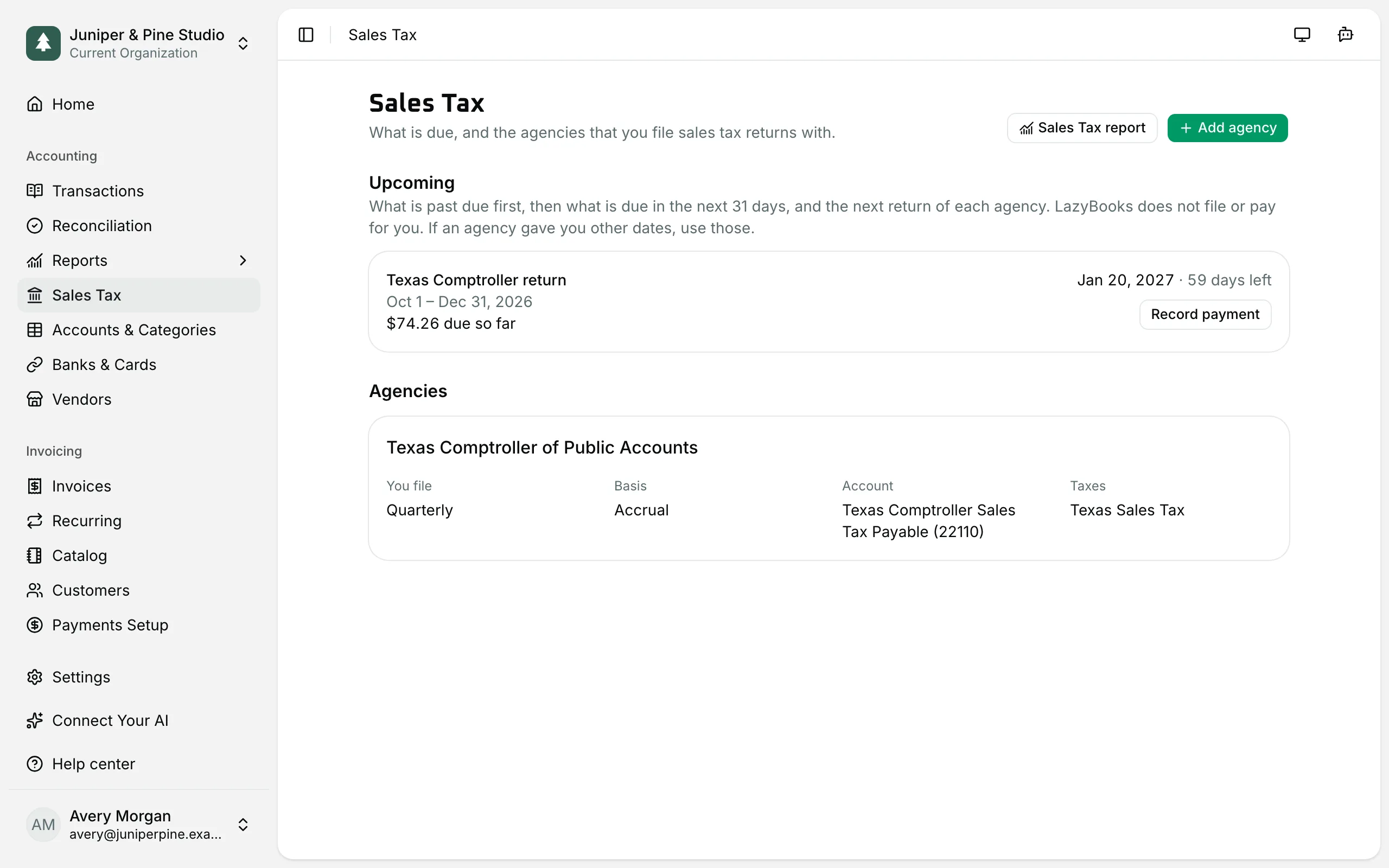
- In the sidebar, under Accounting, click Sales Tax.
- Click the name of the agency.
- Under Returns, find the period. Click View report.
On the page of an inactive agency, click View reports to open its last report. To see another period, choose it in the list above the report. The newest period is first. To mark the return as filed, or to reopen it, click Manage return.
The top of the report shows the agency, the days, how the return stands, your permit or account number, and the basis. A filed return shows the day that you filed it and its version. If the period is not over, the report says that its numbers are so far.
What the report shows
Sales starts with Gross sales and takes off what is not taxed:
- Non-taxable sales, with each reason under it, such as Resale. No reason given holds the sales without a reason.
- Taxability unknown, and Sold through a marketplace that collected the tax. Each one shows only if it has an amount.
- Taxable sales is what is left.
Tax by tax lists each tax and rate with its taxable sales and its tax, and Total tax. Tax that a marketplace collected has a line of its own: Tax collected by the marketplace, not in what you owe.
A return counts the sales with the tax of its agency, and the other lines of their invoices. Of the invoices without tax, the return of a state counts those to customers in that state. If a customer in your country has no state, the sale counts for the only state that you file with. If you file with several, it counts for the state of your own business, or for none if you do not file with that state. Give your customers their state before you send an invoice. An invoice that you sent already does not change. If you change the state of your business address, these sales move to another return, also in periods that you filed. The return of a city or a county counts no invoices without tax.
If some sales are not in your books, a line shows how much of the gross sales and of the tax they are. They are already in the numbers.
Carried changes shows only if a change of one return counts in another one. Each line shows what the change adds to the tax of this return, or takes off. The numbers of the report already count it.
What is due shows Tax you owe, what you prepaid and paid, discounts, credits, and refunds. It ends with Still due, or with Paid too much. A return that is not over and that you paid nothing for can show Less to pay so far. A return that you filed outside LazyBooks can show Not recorded as paid.
Payments lists each payment, prepayment, refund, and credit of the return with its date. Amount is the part for this return. Click View in Transactions to see the transaction. A label shows if the transaction changed. See If the entry of a payment changed.
Sales Tax Payable account shows how the balance of the account of the agency changed: the tax from your sales, payments, refunds, and tax that you moved. From your imported books shows what your imported books changed before your books start date, if anything. Other changes lists each other transaction on the account. Click one to see it in Transactions.
Use tax says Not tracked yet.
When a filed return changed
If the numbers changed after you filed, Changed after you filed is at the top. It shows each line as you filed it, as it is today, and the difference. The rest of the report shows the numbers of today. See When a filed return changes.
Export the report
- Click Export.
- Click Export to CSV or Export to PDF.
The file has the same lines and numbers as the page. Its header has the agency, your permit or account number, the days, the basis, and how the return stands.
The file is not a form of a state. If you want to keep the numbers that you filed, export the report when you file.