Fix a difference
Find out why Finish statement is off, and make your books match the statement.
Finish statement stays off until your books match the statement. This article shows how to find the cause and fix it. To start a statement, see Reconcile an account.
Why Finish statement is off
The reasons show at the bottom of the statement page, next to Finish statement. There are three reasons:
- Transactions in the period need review. The message gives their number.
- Bank transactions must be in the books before you can finish.
- The difference must be $0.00 to finish.
Fix each reason in the order that the page shows them.
Approve the transactions that need review
LazyBooks reconciles only approved transactions. When transactions in the period wait for review, a yellow box at the top of the statement page gives their number.


- Click Save for later to keep the transactions that you confirmed.
- In the yellow box, click Review transactions. The Transactions page opens with the transactions of this account and period that need review.
- Review and approve the transactions. See Review and approve transactions.
- Go back to the Reconciliation page and click Resume on the row of the account.
- Confirm the transactions that you approved. LazyBooks does not confirm them for you.
Find the difference
The Difference shows the confirmed amount minus the statement ending balance. When it is not $0.00, a line under it says whether your confirmed amount is higher or lower than the statement.


Use these steps to find the transactions that cause the difference:
- Compare the totals of the money in and the money out under the balances with the totals on the statement.
- Click Unconfirmed. Look for transactions that are on the statement but are not confirmed.
- Click Confirmed. Look for transactions that are confirmed but are not on the statement.
- Type an amount from the statement in the search box. Make sure that a transaction with that amount is in the list.
- If a transaction on the statement is not in LazyBooks, add it. See Add a transaction. Then confirm it on the statement page.
To see where a transaction came from, click it. A panel shows its amount, its status, its source, and its category. For a transaction from the bank feed, Source names the bank. If the description from the bank is different from the description in LazyBooks, the panel shows it too. For a transaction that needs review, the panel has a Review transactions link.
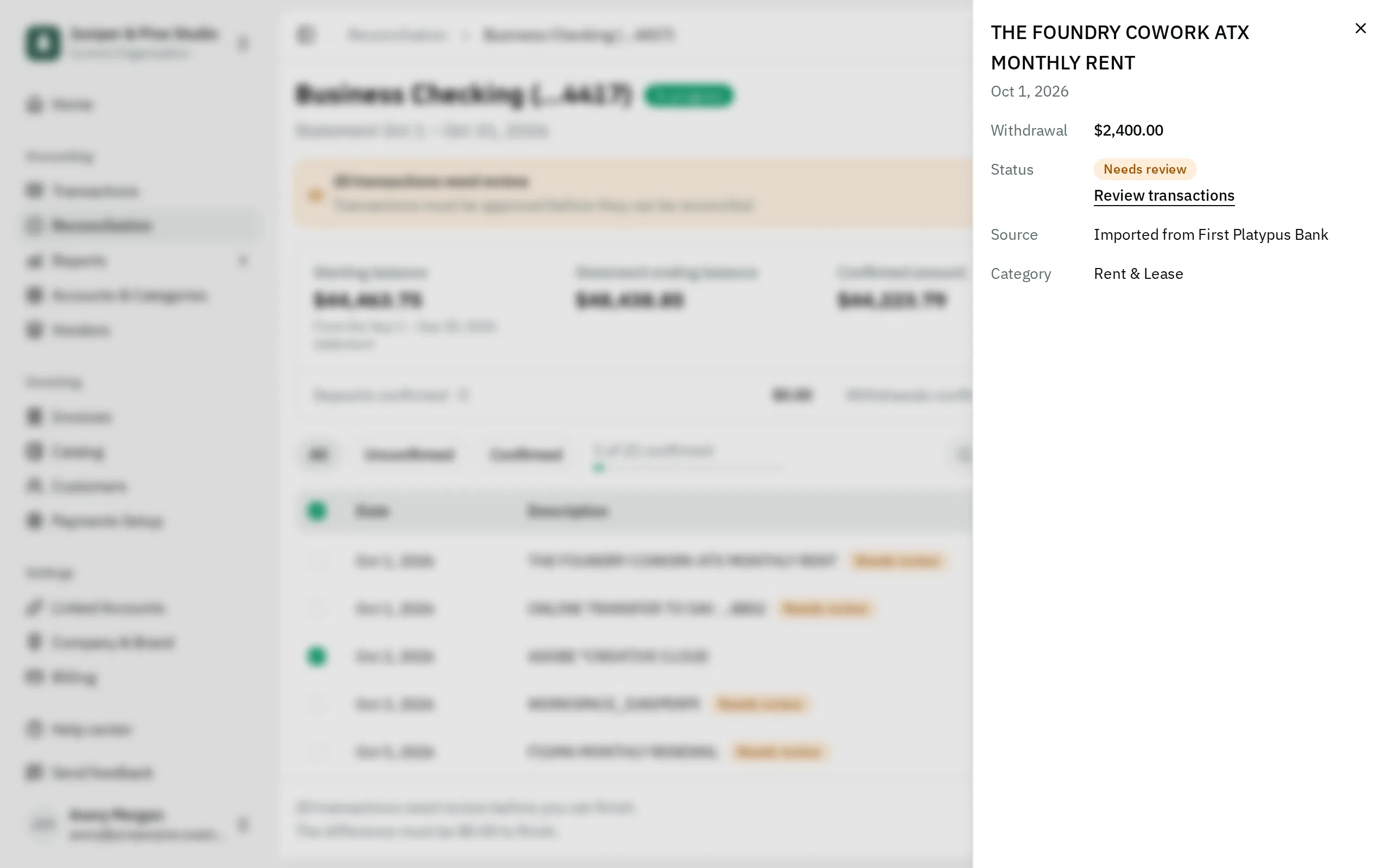
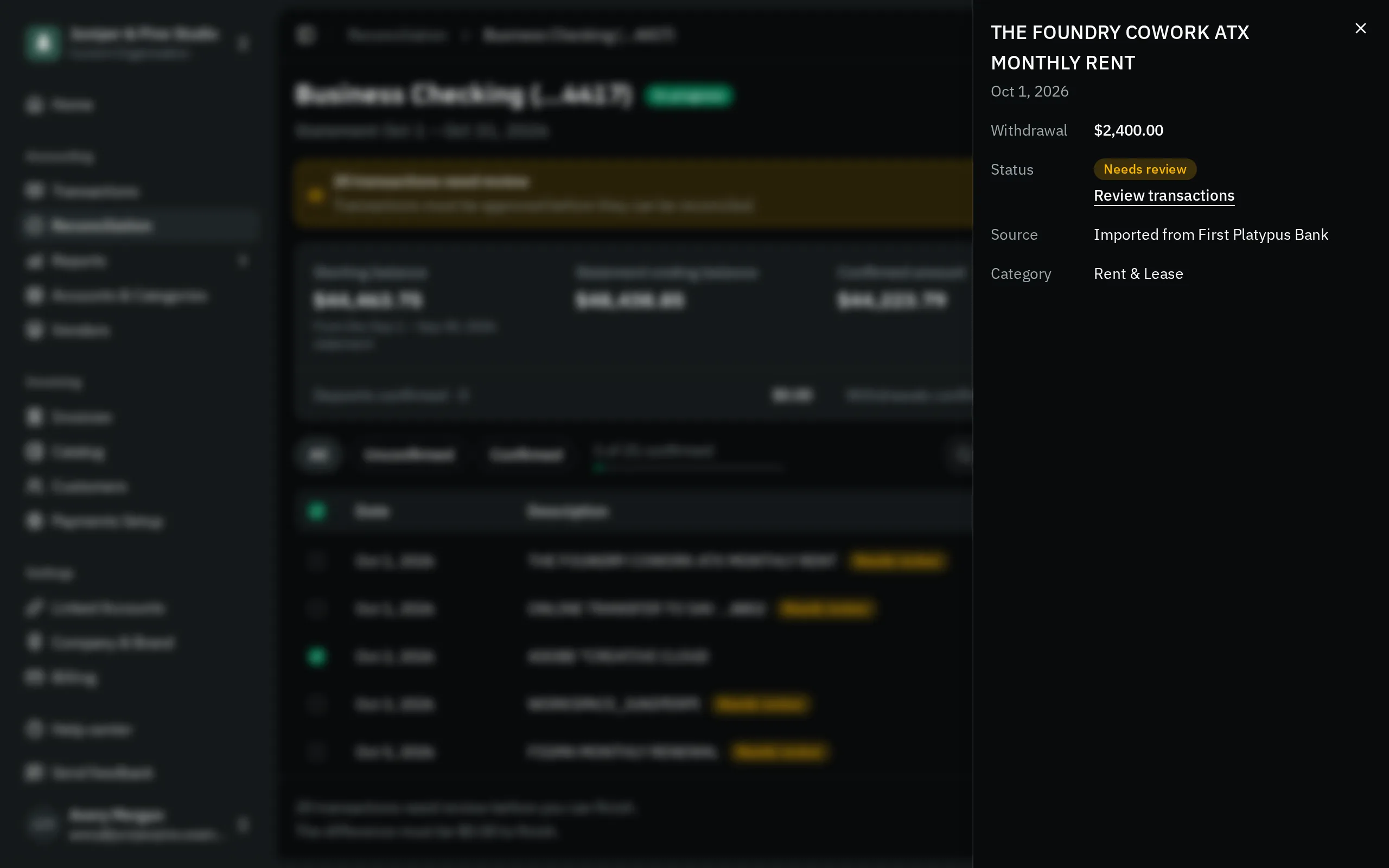
You cannot change a transaction in this panel. To change it, go to Transactions.
Edit the statement end date or balance
If you typed the wrong end date or balance when you started, change them.
- On the statement page, click Edit statement.
- Change the Statement end date or the Statement ending balance. For a credit card or a loan, the balance field is Amount owed on the statement.
- Click Save.
If the account was overdrawn, or if the card company or lender owes you, the amount is negative. Type a minus sign, or click +/− in the box.
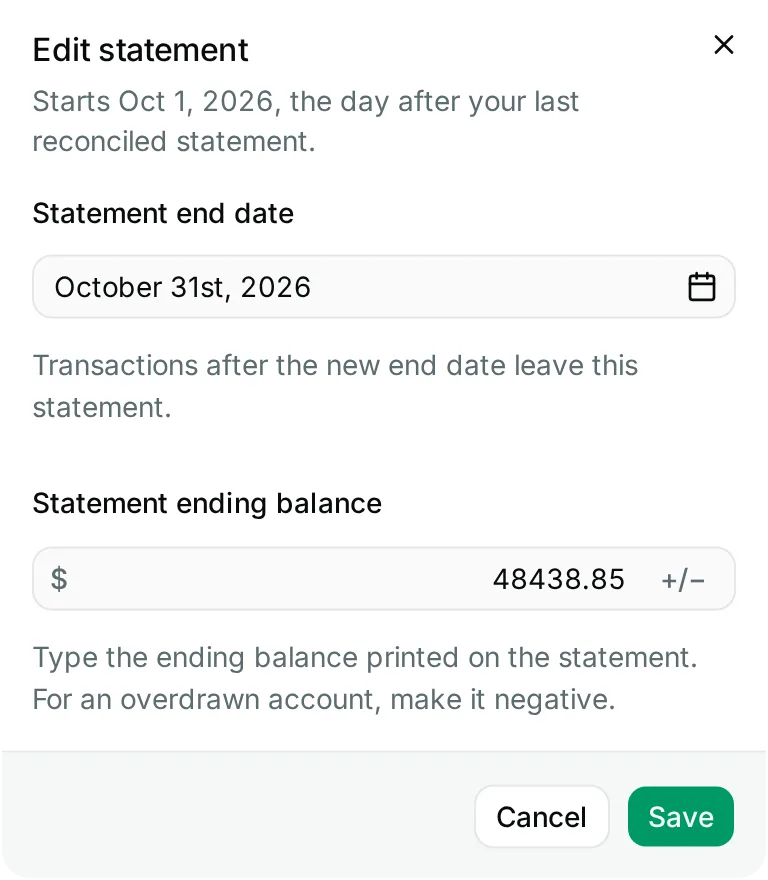
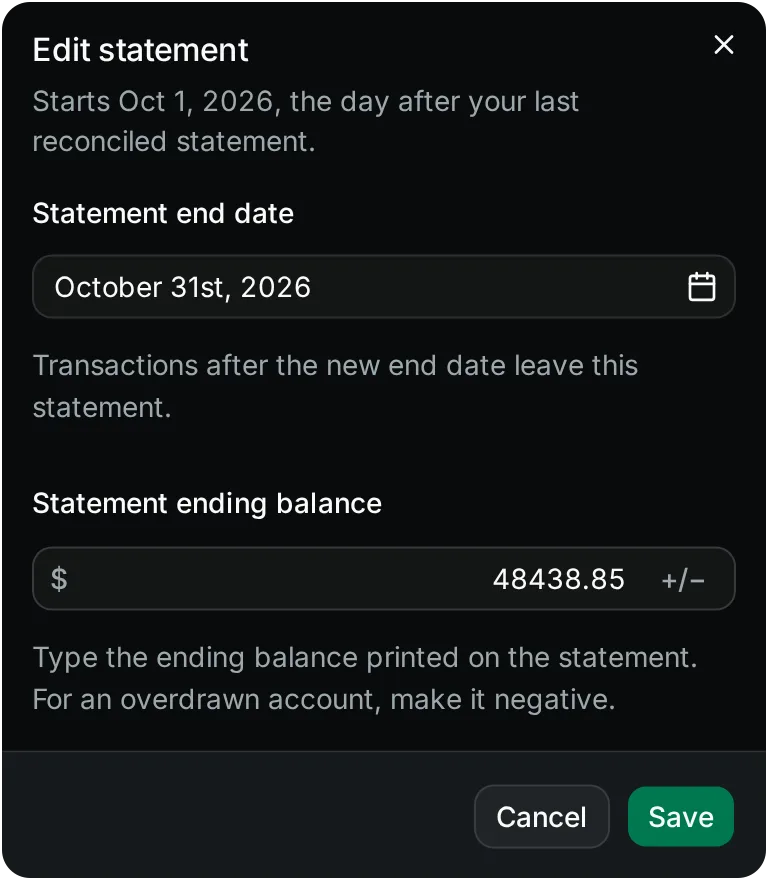
The start date of the statement does not change. Transactions after the new end date leave the statement. The transactions that you confirmed stay confirmed.
Bank transactions that are not in the books
A red box can say that bank transactions are not in the books yet. It lists each one with its date, description, and amount. You cannot add these transactions yourself. If the box does not go away, contact support.
Warnings about the bank connection
A yellow box warns you when transactions can be missing from the statement:
- The bank needs you to sign in again.
- The history of the account is still importing from the bank.
- The last sync came before the end date of the statement.
These warnings do not turn off Finish statement. To fix the connection, click Banks & Cards in the box. See Fix a bank connection.
Missing interest on a loan
The statement of a loan can show more owed than your books, because the lender added interest. When you confirm each bank transaction and the difference remains, the page asks Is interest missing? This question shows only for a loan, not for a line of credit.
- Under Is interest missing?, select the payment that holds the interest. LazyBooks selects the newest payment first.
- Click Record interest.
- In the Record interest dialog, make sure that the Interest amount and the Expense account are correct.
- Click Save interest.
For more about loan interest, see Loan payments.