Merge vendors
Combine two vendors that are the same business into one vendor, with all of their transactions.
Sometimes one business shows as two vendors, for example when your bank names it in two ways. Merge the two vendors to keep one vendor with all the transactions of both.
Merge two vendors
- In the sidebar, click Vendors, and then click one of the two vendors.
- Click Merge.
- In Merge with, choose the other vendor. The list also shows inactive vendors.
- Under Keep, choose the vendor that stays. The vendor of the page is chosen first.
- Read the summary. It tells you how many transactions move to the vendor that you keep.
- Click Merge vendors.
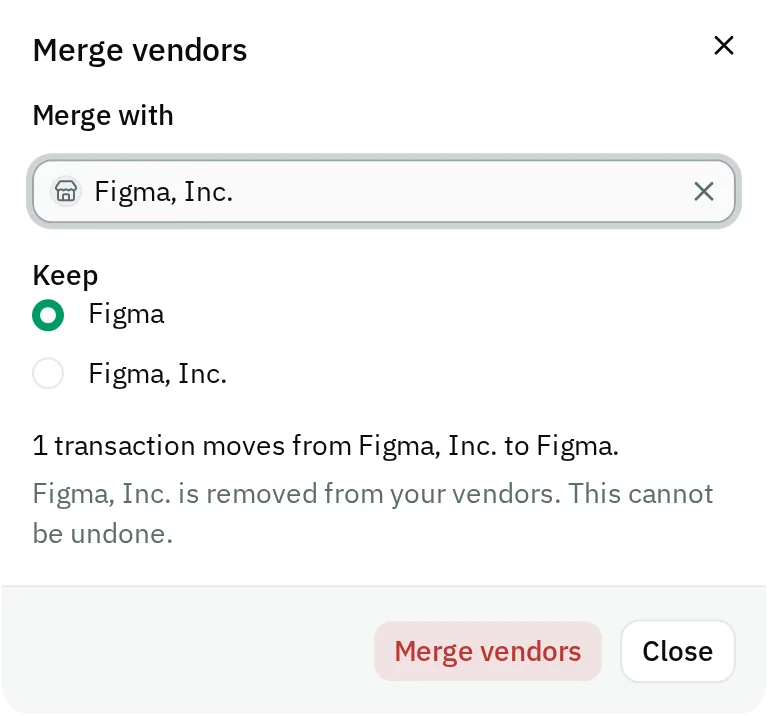
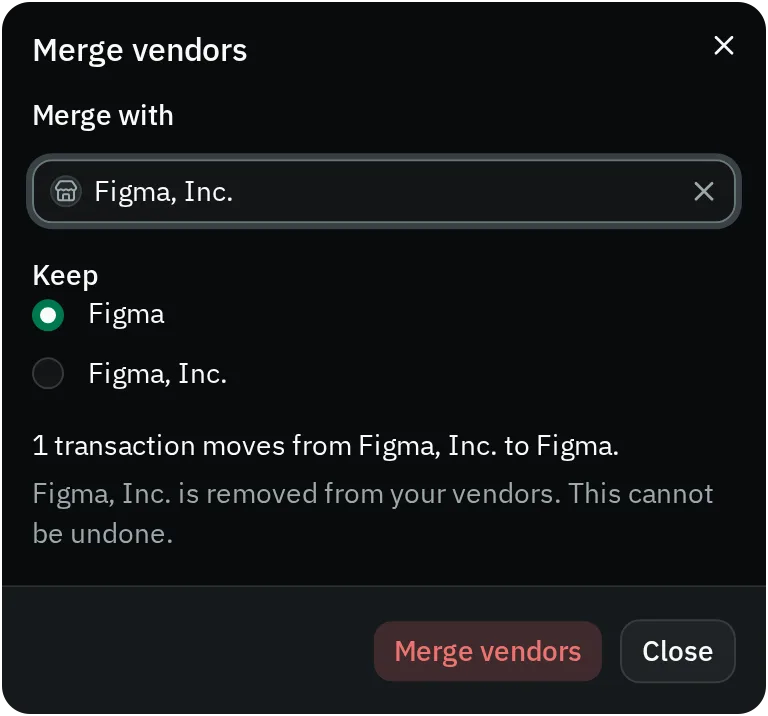
LazyBooks then opens the page of the vendor that you kept. A message tells you how many transactions moved.
What a merge does
- The transactions of the other vendor move to the vendor that you keep. This includes the transactions in Needs Review, the approved transactions, and the reconciled transactions.
- The other vendor is removed from your vendors. Its name is free, so you can use it for a new vendor.
- The vendor that you keep keeps its name, its details, and its active or inactive state. If it has no logo, it gets the logo of the other vendor.
- New bank transactions that would have gone to the other vendor get the vendor that you kept, unless the vendor that you kept is inactive.
- The spend of both vendors now counts for the vendor that you kept, on the Vendors page and in the Expenses by Vendor report.
An old link to the page of the other vendor opens the page of the vendor that you kept.
Give a transaction a vendor
Choose, change, or remove the vendor of a transaction in the Transactions table or in Transaction Details, and set the vendor of several transactions at once.
Import vendors from a CSV file
Move your vendor list from another accounting program or a spreadsheet into LazyBooks with a CSV file.